




This guide compares eight of the best AI agents and AI tools for Power BI, including their main strengths, limits, and the types of teams they fit best.
Best AI Agents for Power BI in 2026: Top Tools Compared
| Tool | Best For | Power BI Integration | Main Strength | Main Limitation |
| BI Genius | Governed Power BI AI agents | Power BI semantic models | No-code, explainable, Azure-based agents | Best suited to Power BI environments |
| Microsoft Fabric Data Agent | Multi-source Fabric analytics | Power BI + Fabric sources | Queries several governed data sources | Requires Microsoft Fabric |
| PBI AI Agent | AI chat inside reports | Power BI custom visual | Supports multiple AI models | Mainly focused on report-level chat |
| Microsoft Copilot Studio | Custom business AI agents | Via Fabric and Microsoft tools | Flexible workflows and agent building | More setup for Power BI use |
| AI Buddy by iFour | Embedded report assistant | Power BI custom visual | Simple branded chat experience | Limited wider agent management |
| Copilot for Power BI | Native Microsoft AI | Native Power BI integration | Built directly into Power BI | Requires qualifying Microsoft capacity |
| Power BI Semantic Model Authoring Skill | Power BI developers | Semantic models and PBIP | AI-assisted model development | Mainly for technical users |
| chat Power BI AI | BYO-LLM report chat | Power BI custom visual | Flexible LLM provider options | Mainly an embedded chat tool |
1. BI Genius: No-Code, Governed Agents Built for Power BI
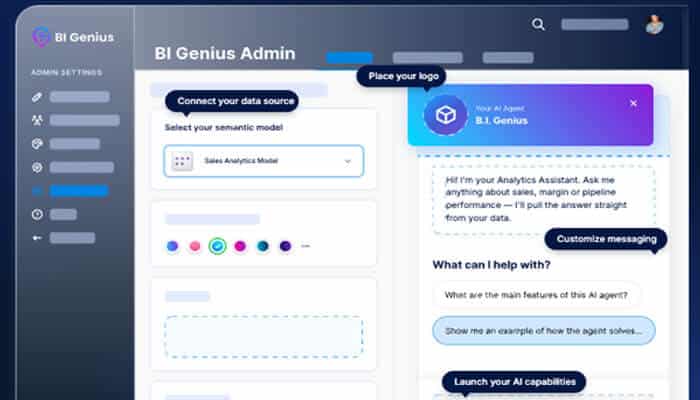
BI Genius stands out as the best Power BI AI agent, as it connects to existing Power BI semantic models and lets business users ask questions about their data in plain language. Teams can configure and deploy agents without rebuilding datasets or writing code.
BI Genius also focuses heavily on control and explainability. Administrators can see the sources behind an answer, the path used to create it, and the generated DAX, while also setting data boundaries and access rules for individual agents. Organizations can create different agents for specific teams, clients, or business areas instead of using one general assistant for everyone.
BI Genius runs inside the organization’s own Azure tenant, keeping the data and AI inference within that environment. It also does not require Fabric Copilot capacity, which can make deployment simpler for teams that do not want their AI strategy tied to Fabric capacity requirements. BI Genius Starter ships with every Reporting Hub plan, so it is included rather than sold as a separate AI add-on.
Pros
- No-code setup on existing semantic models
- Starter included with every Reporting Hub plan
- Shows sources, reasoning, and generated DAX
- Runs inside your own Azure tenant
Cons
- Best fit for Power BI environments
- Some advanced features require higher plans
2. Microsoft Fabric Data Agent: Multi-Source AI for Fabric Data
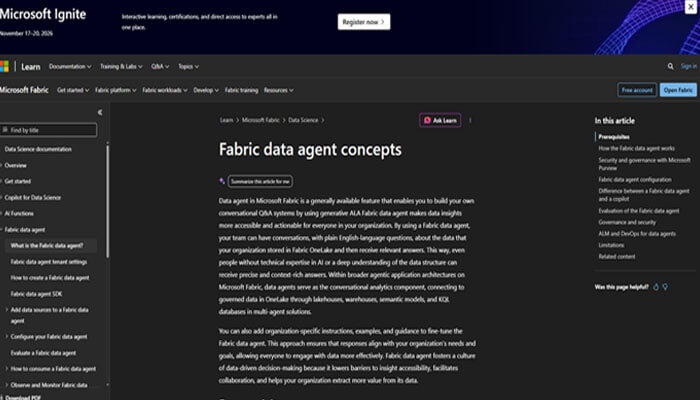
Microsoft Fabric Data Agent is built for organizations that want an AI agent to work across more than one type of data source. It can connect to Power BI semantic models, lakehouses, warehouses, KQL databases, ontologies, and Microsoft Graph. A single agent can use up to five configured data sources.
When a question points to a Power BI semantic model, the agent can translate natural language into DAX and return the results in a readable format. It uses the requesting user’s permissions and operates with read-only access to the configured data sources. This makes it a strong choice for organizations already building their analytics environment around Microsoft Fabric.
Pros
- Queries several Fabric sources together
- Uses Power BI model permissions
Cons
- Requires a paid Fabric environment
- Power BI examples have current limits
3. PBI AI Agent: Multi-Model Chat Inside Power BI
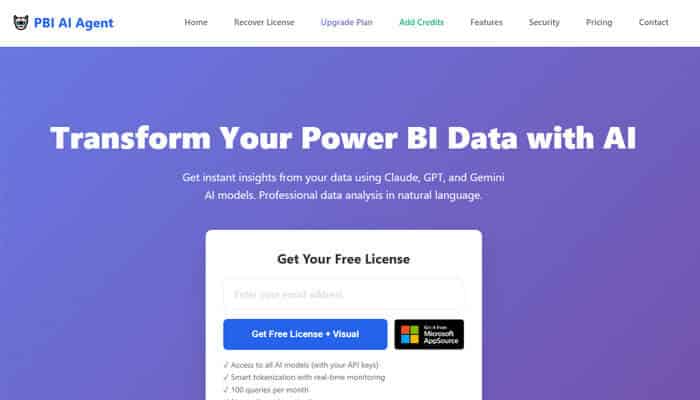
PBI AI Agent is a custom visual that places an AI analysis experience directly inside a Power BI report. Users can ask questions about the data through natural language and receive explanations, trends, and generated visualizations. It supports several AI model providers rather than requiring one model family.
The tool is aimed at both technical and non-technical Power BI users who want to investigate what is happening behind report numbers. It also includes persistent chat history and interactive chart generation within the visual. Because it works as a Power BI custom visual, its main use case is adding AI analysis to reports users already open.
Pros
- Works directly inside Power BI reports
- Supports several leading AI models
Cons
- Custom visual adds another report dependency
- AI results still need user review
4. Microsoft Copilot Studio: Low-Code Agents for Microsoft Workflows
Microsoft Copilot Studio is a low-code platform for building AI agents that can answer questions and perform business actions. Agents can be deployed through Microsoft Teams, websites, Microsoft 365 Copilot, and other supported channels. This makes it useful when Power BI data is only one part of a wider business workflow.
Power BI semantic model data can enter this setup through a Microsoft Fabric Data Agent connected to Copilot Studio. That lets a custom agent combine Fabric-based data access with other knowledge sources, tools, and actions. However, Microsoft’s Fabric Data Agent connection with Copilot Studio is still marked as preview.
Pros
- Builds agents across Microsoft business channels
- Connects with Fabric data agents
Cons
- Power BI path needs Fabric setup
- Connected data agent remains in preview
5. AI Buddy by iFour: Branded Chat Inside Power BI
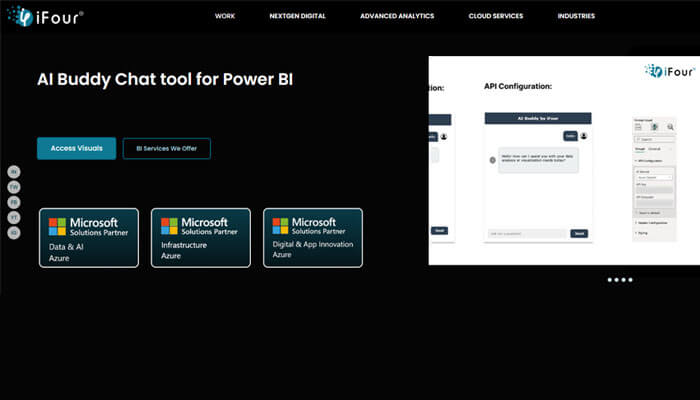
AI Buddy by iFour is a conversational AI visual designed to work directly inside Power BI reports. Users can ask questions, request explanations, and get summaries without moving to another application. Its current Marketplace listing highlights Azure OpenAI integration for the AI experience.
The visual also includes controls for chat styling, headers, API configuration, and usage tracking. These options can help teams make the AI experience match the look of an existing Power BI report. It is mainly suited to companies looking for an in-report assistant rather than a larger agent management platform.
Pros
- Adds chat directly inside Power BI
- Offers branding and chat styling
Cons
- Mainly works as report visual
- Depends on supported AI service setup
6. Copilot for Power BI: Native Microsoft AI for Power BI
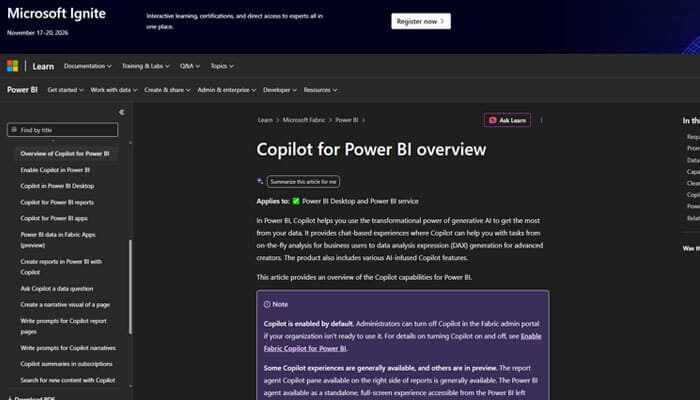
Copilot for Power BI is Microsoft’s native AI experience for report consumers and creators. Users can ask questions about report data, request summaries, and have Copilot create new visuals when existing report visuals do not answer the question. Report creators can also use it to generate pages, understand semantic models, and write DAX queries.
The main benefit is that Copilot already sits inside the Microsoft Power BI experience. However, organizations need access to qualifying paid Fabric or Power BI Premium capacity to use its Power BI features. It is therefore most natural for companies that already meet Microsoft’s Copilot and capacity requirements.
Pros
- Native experience inside Microsoft Power BI
- Creates summaries, visuals, and DAX
Cons
- Needs qualifying paid capacity access
- Offers fewer agent configuration controls
7. Power BI Semantic Model Authoring Skill: Developer Agent for Models
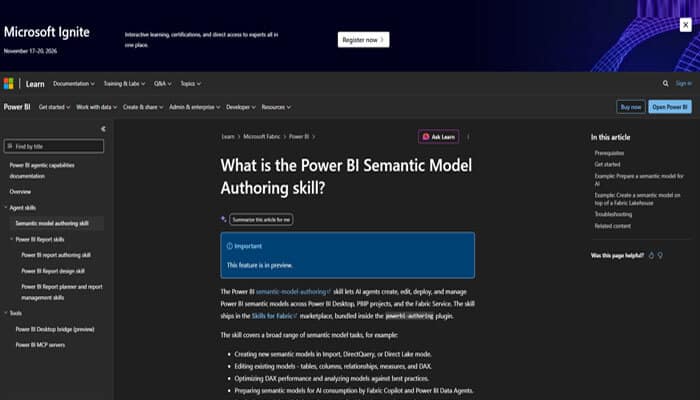
The Power BI Semantic Model Authoring Skill is different from most tools on this list because it focuses on developers rather than report consumers. It lets AI agents create, edit, deploy, and manage semantic models across Power BI Desktop, PBIP projects, and Fabric. Tasks can include changing relationships, creating measures, improving DAX, and checking model quality.
The skill can also help prepare a semantic model for use with conversational AI tools such as Fabric Copilot and Power BI Data Agents. It works with GitHub Copilot and Microsoft’s Power BI Modeling MCP server for agent-based model work. The feature is currently in preview, so it is better viewed as a developer tool than a ready-made business-user AI assistant.
Pros
- Creates and edits semantic models
- Prepares models for AI use
Cons
- Currently available only in preview
- Designed mainly for technical creators
8. chat Power BI AI: BYO LLM Chat for Reports
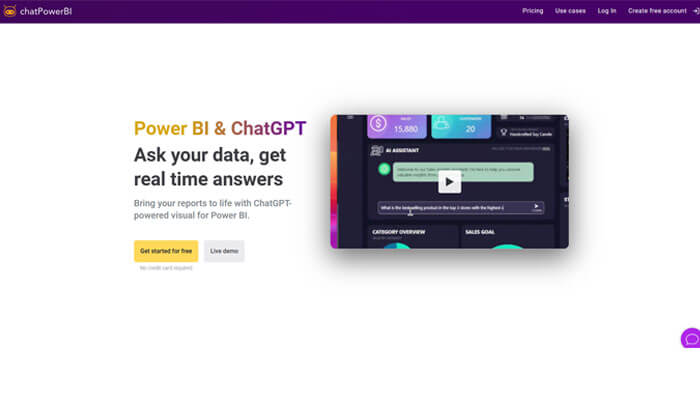
chat Power BI AI by Chartenza is a Power BI visual that lets developers add conversational AI directly to a report. Users can ask natural-language questions about the data instead of relying only on filters, charts, or DAX knowledge. The visual supports AI providers including OpenAI and Anthropic.
Premium options include message logging, usage limits, more advanced models, and the ability to bring your own LLM deployment. The BYO LLM option can be useful for organizations that want more control over where AI requests are sent. Like other custom visuals on this list, however, its main focus is chat inside individual Power BI reports.
Pros
- Embeds natural language chat in reports
- Supports bring-your-own LLM deployments
Cons
- Premium features need paid access
- Focused mainly on embedded report chat
How Power BI AI Agents Change Report and Dashboard Sharing?
Adding a Power BI AI agent changes how users share power BI reports externally because they can move from viewing a dashboard to asking questions about the data behind it. That makes permissions, report access, and the way analytics are delivered just as important as the AI model itself.
Give Users Answers and Visual Context
Traditional report sharing gives users charts, filters, KPIs, and other prepared views of the data. An AI agent can add another layer by letting users ask questions that may not already have a visual on the report. Keeping the report and AI experience close together can give users both an answer and the business context behind it.
Keep Report and Agent Permissions Aligned
Power BI sharing is tied to permissions on reports and their underlying semantic models. For example, Fabric Data Agent uses the requesting user’s permissions when querying a Power BI semantic model, while Power BI provides separate controls for Read, Build, and shared access. AI access should therefore follow the same data boundaries already used for reports rather than creating a second path around them.
Plan for External AI Experiences
Power BI can share content with external users through options such as Microsoft Entra B2B, while embedded analytics can place reports inside customer-facing applications and portals. Reporting Hub takes the embedded approach and can deliver Power BI reports to external users while placing BI Genius agents alongside the analytics experience. This can be useful for SaaS companies and analytics providers that want customers to both view reports and ask questions about their data from one branded environment.
Conclusion
The best AI agent for Power BI depends on what you want users to do. Copilot for Power BI offers a strong native Microsoft experience, Fabric Data Agent works well across the wider Fabric stack, and tools such as PBI AI Agent and AI Buddy bring chat directly into individual reports. For teams that want more control over agent setup, branding, explainability, and deployment, BI Genius is our top overall choice. It works with existing Power BI semantic models, runs inside your Azure tenant, and includes BI Genius Starter with every Reporting Hub plan.
Frequently Asked Questions
What is an AI agent for Power BI?
A Power BI AI agent lets users work with business data through natural-language questions and AI-generated answers. Depending on the tool, it may query semantic models, create DAX, explain trends, generate visuals, or help manage Power BI models.
What is the best AI agent for Power BI?
BI Genius is a strong overall option for teams that want configurable agents, no-code setup, explainable answers, and Azure-based deployment. Microsoft Copilot or Fabric Data Agent may be a better fit when a company wants to stay fully within Microsoft’s Fabric AI stack.
Is BI Genius included with Reporting Hub?
Yes, BI Genius Starter is included with every Reporting Hub plan. Reporting Hub states that there is no separate AI contract for the included Starter version.
Can AI agents use existing Power BI semantic models?
Yes, several tools on this list can use existing Power BI semantic models rather than requiring a new data model. BI Genius, Copilot for Power BI, and Fabric Data Agent all support working with Power BI semantic models in different ways.
Can Power BI AI agents work with shared reports?
Yes, but the exact experience depends on the agent, sharing method, capacity, and user permissions. Organizations should make sure the AI agent follows the same access rules and data boundaries used by their Power BI reports and semantic models.
