


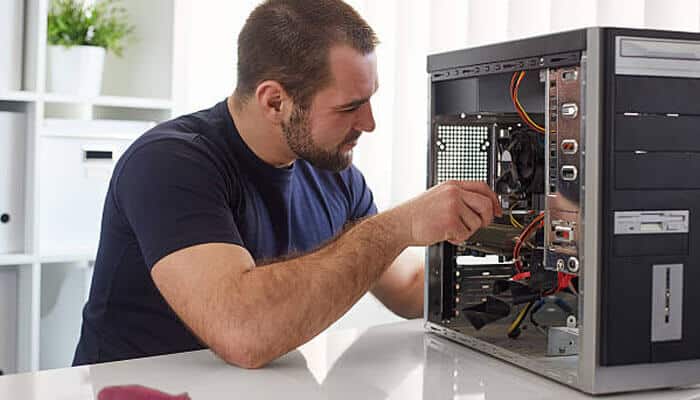

Computer repair is essential for keeping your device running efficiently and avoiding costly disruptions. Computers have become an essential part of daily life, whether for work, school, entertainment, or staying connected with family and friends. Like any technology, however, computers can experience problems over time. A slow system, random crashes, or hardware failures can disrupt productivity and create unnecessary stress. Understanding common computer issues and knowing how to respond can help extend the lifespan of your device, reduce costly downtime, and determine when professional computer repair is the best solution.
Whether you own a desktop or an all-in-one computer, learning the basics of computer repair can help you make informed decisions when something goes wrong.
Common Computer Problems
Many computer issues develop gradually, while others appear unexpectedly. Recognizing the symptoms early can prevent more serious problems.
Slow Performance
One of the most common complaints is a computer that takes a long time to start or respond. This may be caused by:
- Too many startup programs
- Low storage space
- Outdated software
- Malware or viruses
- Aging hardware
Regular maintenance, including removing unnecessary files and updating software, can often improve performance.
Overheating
Computers generate heat while operating. Dust buildup inside the device or blocked ventilation can cause temperatures to rise, leading to slower performance or unexpected shutdowns.
Cleaning air vents and ensuring proper airflow can help prevent overheating.
Frequent Crashes
If your computer freezes or displays error messages repeatedly, the cause could include:
- Corrupted software
- Driver conflicts
- Faulty memory
- Hard drive issues
- Operating system errors
Identifying the source of the problem is important before replacing any components.
Hardware Problems That May Require Repair
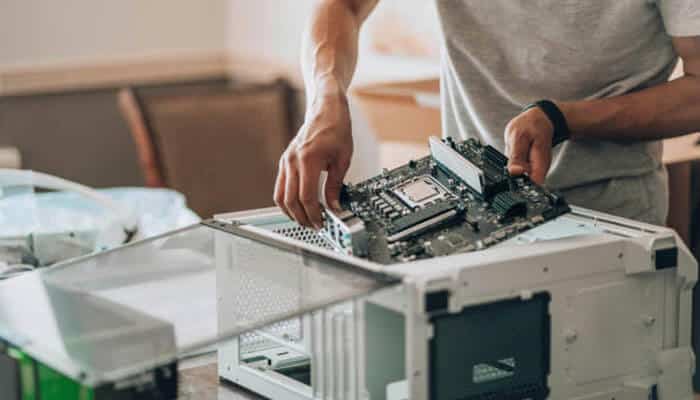
Not every issue is software-related. Hardware components naturally wear out over time.
Hard Drive Failure
Traditional hard drives have moving parts that can eventually fail. Signs include:
- Clicking noises
- Slow file access
- Missing files
- Boot failures
Backing up important files regularly helps prevent data loss if the drive stops working.
Faulty RAM
Memory problems may cause programs to crash or the computer to restart unexpectedly. Fortunately, RAM can often be tested and replaced without replacing the entire computer.
Power Supply Issues
If a desktop computer refuses to turn on, the power supply may be failing. Symptoms can include random shutdowns or no response when pressing the power button.
Software Issues That Can Be Fixed
Many computer problems can be resolved without replacing hardware.
Malware and Viruses
Malicious software can slow your computer, steal personal information, or damage files. Using trusted security software and avoiding suspicious downloads can greatly reduce the risk.
Operating System Errors
Corrupted system files or failed updates may cause startup problems or application crashes. Repair tools built into modern operating systems can often resolve these issues.
Driver Conflicts
Drivers allow hardware to communicate with your operating system. Outdated or incompatible drivers can affect printers, graphics cards, sound devices, and network connections.
Updating drivers regularly helps maintain system stability.
Preventive Maintenance Tips
Taking care of your computer can reduce the likelihood of future repairs.
Keep Software Updated
Operating system and application updates often include security improvements and bug fixes.
Clean the Computer
Dust can accumulate inside desktop computers and around cooling fans. Cleaning these areas carefully helps maintain proper airflow.
Back Up Important Files
Hardware failures can happen without warning. Regular backups to an external drive or cloud storage provide peace of mind.
Remove Unnecessary Programs
Unused software consumes storage and may slow startup times. Reviewing installed applications every few months helps keep the system running efficiently.
When Is Professional Computer Repair Worth It?
While some maintenance tasks are suitable for beginners, certain repairs require specialized knowledge and tools.
Professional repair may be appropriate when:
- The computer will not turn on
- Important files need data recovery
- Hardware replacement is required
- The device overheats despite cleaning
- Persistent software issues remain unresolved
- Liquid damage has occurred
Attempting complex repairs without experience can sometimes make the problem worse.
Repair or Replace?
One of the biggest decisions computer owners face is whether to repair an older device or invest in a new one.
Repair often makes sense when:
- The issue is isolated to a single component
- The computer still meets your daily needs
- Replacement costs are significantly higher than repair costs
Replacement may be a better option when:
- Multiple components are failing
- The system no longer supports current software
- Repair costs approach the value of a new computer
Considering the age, performance, and intended use of the device can help guide the decision.
Conclusion
Computer problems are a normal part of owning technology, but they do not always mean it’s time for a new device. Many issues, from slow performance to hardware failures, can be diagnosed and repaired with the right approach. Regular maintenance, timely software updates, and routine backups can help prevent many common problems before they become serious. By understanding the basics of computer repair and recognizing when professional assistance is appropriate, you can keep your computer running reliably for years to come.
