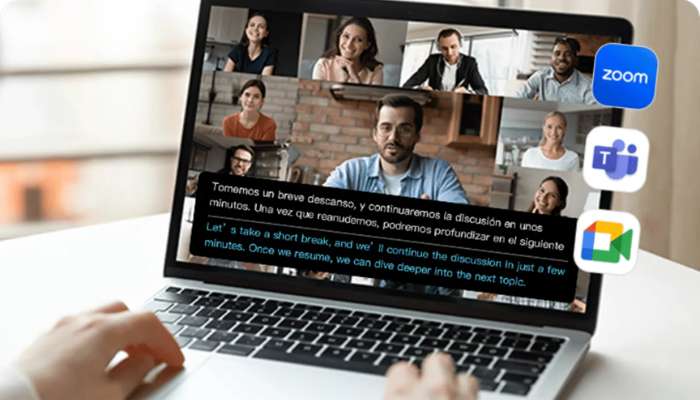
Real-time translation is no longer a future concept—it has become essential for travel, remote work, and global communication, where seamless simultaneous translation can make or break conversations. This article reviews the 5 best real-time translator tools in 2026, comparing features, accuracy, and usability to help you choose the right solution for your needs.
Quick Picks: Top Recommendations at a Glance
- Best Overall Real-Time Translator: PolyPal
- Best Free Real-Time Translator: Google Translate
- Best for Translation Accuracy: DeepL Translator
- Best for Travel Use: iTranslate
- Best for Team Meetings: Microsoft Translator
Full List of Top AI Translation Tools for Real-Time Use
After extensive testing across travel, remote work, and group meeting scenarios, these are the five tools that consistently rose to the top:
- PolyPal : Best overall real-time translator with strong conversation flow and an all-in-one AI note suite
- Google Translate: The most accessible free option, reliable for everyday use
- DeepL Translator: Strong precision for professional and technical contexts
- Microsoft Translator: Purpose-built for enterprise meetings and multi-participant calls
- iTranslate: A traveller’s go-to, especially in low-connectivity environments
How Do These Translation Tools Compare Side by Side?
About the scores: Ratings below are a qualitative summary of our hands-on testing across travel, remote-work, and group-meeting scenarios. They reflect overall fit for live conversation rather than a single benchmarked metric.
| Tool | Real-time performance | Context awareness | Conversation flow | Multi-speaker support | Score |
| PolyPal | ≤1 ms latency | Saved history searchable via AI Ask | Natural, native-sounding | From one-on-one to large audiences, in-person or virtual | 9.5/10 |
| Google Translate | Fast short / lags long | No memory across sentences | Functional but mechanical | Basic 2-person mode | 9.2/10 |
| DeepL Translator | Slower on long input | Strong within-sentence | Polished but built for text, not live speech | Limited support for small groups | 9.1/10 |
| Microsoft Translator | Some speech lag | Good within meeting | Reads like subtitles, not natural speech | Good for large groups | 9.0/10 |
| iTranslate | Fast for short phrases | Limited cross-sentence | OK for short exchanges | 2-way only | 8.8/10 |
How Does Each Real-Time Translator Perform in Real Use?
Top 1. PolyPal — Best Overall Real-Time Translator
PolyPal is built for live spoken dialogue, pairing ultra-low latency translation with floating subtitles and natural-sounding output. When a session ends, its AI suite — Smart Summaries, Mind Maps, and AI Ask — turns the full transcript into searchable, structured notes.

Key Features:
- Ultra-low latency (≤1 ms) for near-imperceptible, interpreter-grade delay
- ≥98% translation accuracy
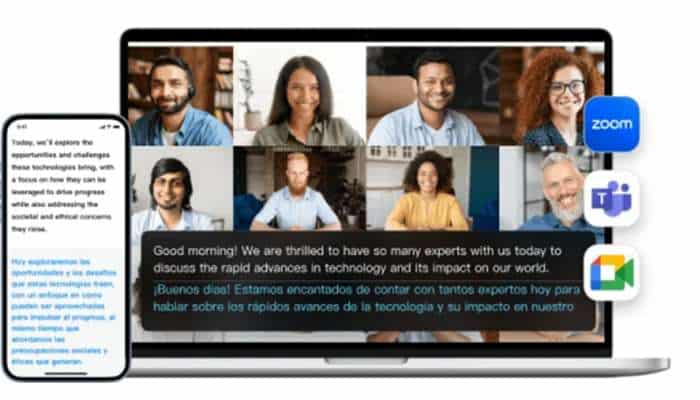
- Floating bilingual subtitles, synced in real time across screens
- All-in-one: live interpretation, transcription, AI summaries, phone and photo translation
- Works with Zoom, Teams, Google Meet, and more
Pros:
- Best-in-class real-time conversation flow with natural-sounding output
- True all-in-one toolkit — translation, notes, and calls in one app
- Consistent performance across a wide range of language pairs
Cons:
- Limited support for very rare dialects
- Speech recognition can dip in noisy or very fast-speech conditions
- Free tier is capped; advanced features require a subscription
Real-world Use Cases: International business meetings, travelling abroad, multilingual lectures, and live streams with real-time subtitles.
Learn more about PolyPal for individuals.
Explore PolyPal for teams and meetings.
Top 2. Google Translate — Best Free Translation Tool
Google Translate offers a live voice conversation mode, real-time camera translation, and offline language packs across a wide range of languages. It is free and available across most platforms.
Key Features: Live voice conversation mode, real-time camera translation, and offline language packs
Pros: Free, widely supported, reliable for short-live exchanges and quick spoken lookups
Cons: No memory of prior spoken exchanges; output can feel mechanical in extended live conversation
Real-world Use Cases: Asking for directions abroad, reading foreign signage in real time, and quick live exchanges in everyday travel situations.
Top 3. DeepL Translator — Best for Translation Accuracy
DeepL’s neural translation engine produces grammatically natural output for live use. It supports voice input and offers terminology customization for professional contexts.
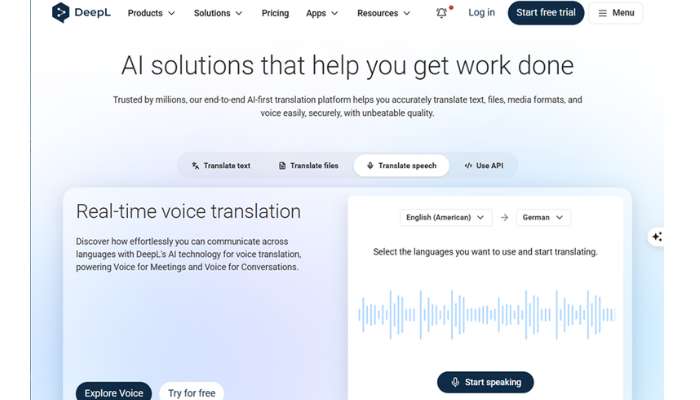
Key Features: Neural translation engine, terminology glossaries, real-time voice input, API access
Pros: Strong output quality for formal and technical language; customizable for specific industries
Cons: Supports fewer languages than some competitors; its consumer app is less focused on casual travel use than dedicated mobile translators
Real-world Use Cases: Live translation in professional settings where precise language matters, such as legal, medical, or technical discussions.
Top 4. Microsoft Translator — Best Real-Time Translator for Team Meetings
Microsoft Translator integrates with Microsoft Teams and delivers live translated captions across multilingual meetings, letting each participant read subtitles in the language they’re most comfortable with while a single language is spoken.
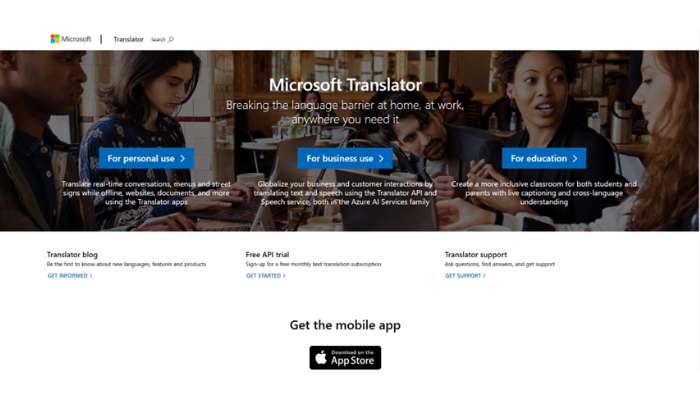
Key Features: Real-time translated captions in Microsoft Teams, per-participant subtitle language selection, Microsoft 365 integration, and custom speech recognition
Pros: Handles multilingual meetings well, with each attendee following along in their own caption language; integrates natively into the Microsoft 365 environment
Cons: Most of its value is tied to the Microsoft ecosystem; less suited to one-on-one casual live conversation
Real-world Use Cases: Large international team meetings, multilingual presentations, and cross-border collaboration within organizations using Microsoft 365.
Top 5. iTranslate — Best Real-Time Translator for Travel
iTranslate focuses on offline functionality with downloadable language packs and an AR camera mode for translating real-world text on the go.
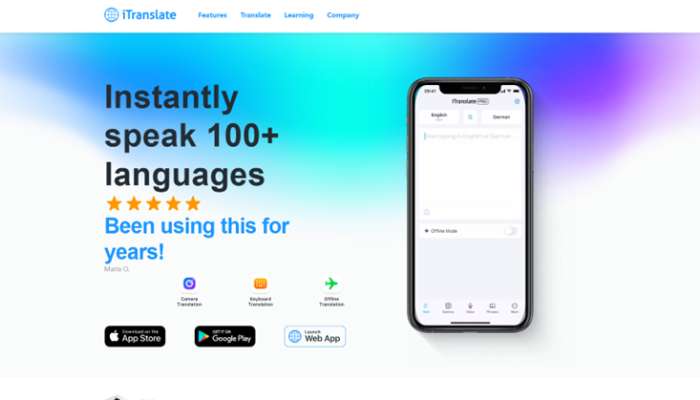
Key Features: Offline language packs, AR camera translation, phrasebook with pronunciation guides, wearable device support
Pros: Functions reliably without an internet connection; lightweight app with a straightforward interface
Cons: Live conversation mode is more limited compared to tools built specifically for dialogue; some features require a paid subscription
Real-world Use Cases: Travel in low-connectivity areas, reading local signage, and basic spoken exchanges in destinations where data access is unreliable.

How to Choose a Real-Time Translator
Key Criteria
- Latency: Output must arrive in under a second for simultaneous translation to feel seamless in live conversation.
- Context Awareness: A tool that understands prior exchanges will always produce more coherent output than one treating each sentence in isolation.
- Conversation Flow: Fluency matters as much as accuracy — the output should sound like something a person would naturally say.
- Multi-Speaker Support: For meetings or group settings, look for a tool that can handle multiple speakers accurately — not all real-time translators are built for this scenario.
- Accuracy vs Speed: For high-stakes exchanges, precision takes priority. For casual conversation, responsiveness matters more.
- Offline Capability: For travellers in low-connectivity destinations, offline language support is a practical necessity.
What Really Matters for True Simultaneous Translation
Continuous speech processing and natural conversational flow matter far more than isolated phrase-level accuracy. The ideal real-time translator combines low latency, natural-sounding output, and the ability to keep a conversation flowing without interruption — handling not just isolated phrases, but the back-and-forth of live dialogue.
So, Which Real-Time Translator Is Best?
For most users, PolyPal stands out. Its ultra-low latency, natural spoken output, and all-in-one AI productivity suite put it ahead of the rest for live conversation.
That track record in live translation is no accident. PolyPal was named a 2025 NextWorld App of the Year and has served as the official simultaneous-interpretation partner for top-tier events like the 2025 Beijing Zhiyuan Conference, where fast, accurate interpretation makes a real difference. It also builds on parent brand Timekettle’s years of specialization in real-time translation, technology trusted by users in 171+ countries and described by the BBC as “a sci-fi product.”
The other tools each serve their niche well—but for a real-time translator that simply lets the conversation flow without interruption, PolyPal is the one.
Best Real-Time Translator FAQs
Q1: Can I use a real-time translator during video calls or Zoom meetings?
Yes—tools like PolyPal work directly with Zoom, Teams, and Google Meet, displaying live bilingual subtitles inside the call. Most real-time translators support live audio input and can work alongside video conferencing platforms, either through dedicated integrations that display subtitles within the meeting interface or as a companion app running in the background.
Q2: Can real-time translators handle group conversations or multiple speakers?
It depends on the tool—purpose-built options like PolyPal handle everything from one-on-one chats to large multi-speaker audiences, while many others top out at two-person mode. Some are built for multi-participant scenarios and deliver simultaneous translation to each participant in their own language. Others are designed for one-on-one exchanges and may struggle with overlapping voices.
Q3: Is there a way to make real-time translators feel more natural to use?
Yes. The biggest factor is continuity: a tool that remembers the full conversation—like PolyPal—tracks follow-up references and keeps topics coherent, instead of translating each sentence in isolation. Beyond the tool itself, speak at a steady pace, set both languages manually rather than using auto-detect, break long thoughts into shorter sentences, and minimize background noise.
Questions or enterprise needs? Contact the PolyPal team.