




Collaboration software tools are the best way for streamline communication and to get a team together. They allow you to do things that would be difficult or impossible with any other method, like sharing files and documents, sharing notes, and scheduling meetings.
Collaboration software tools also help you work better together, which leads to better results. Here are some of the best collaboration software tools available today:
1. Trello
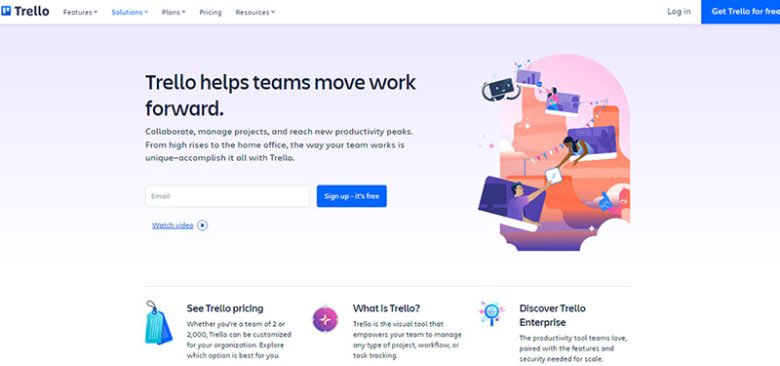
Trello is an online project management software tool that helps teams organize their workflow and stay on top of activities across projects. It also provides tons of integrations with other services like Microsoft Outlook, Gmail and Google Drive.
2. G Suite (formerly Google Apps)
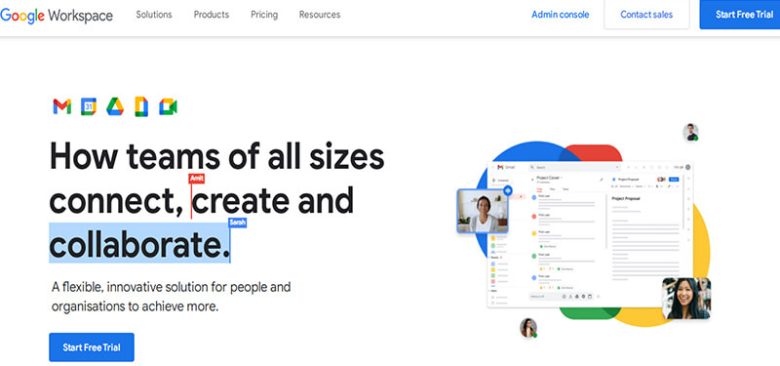
Google has been providing enterprise solutions since Gmail launched in 2004 and continues to provide high-quality email services today through their G Suite offering (formerly Google Apps). The suite includes email, calendar, contacts and task management features that allow users to manage their entire business workflow from one place across multiple platforms including mobile devices.
3. Google Docs
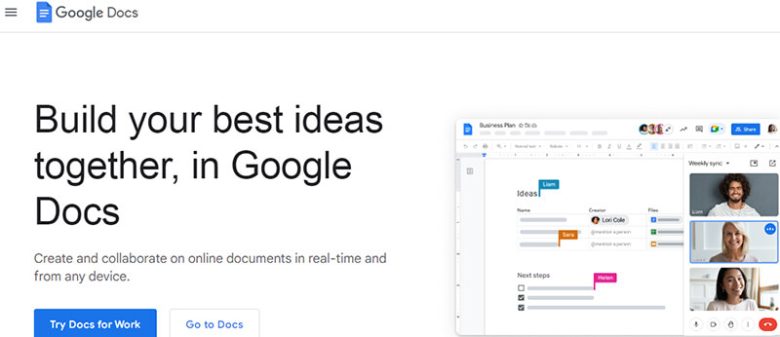
Google Docs is among the greatest collaboration software tools for teams that need to share documents, spreadsheets, or presentations. It also has an integrated chat function for instant messaging. Google docs is also a great project management software that businesses can use for cloud storage.
4. Microsoft Teams
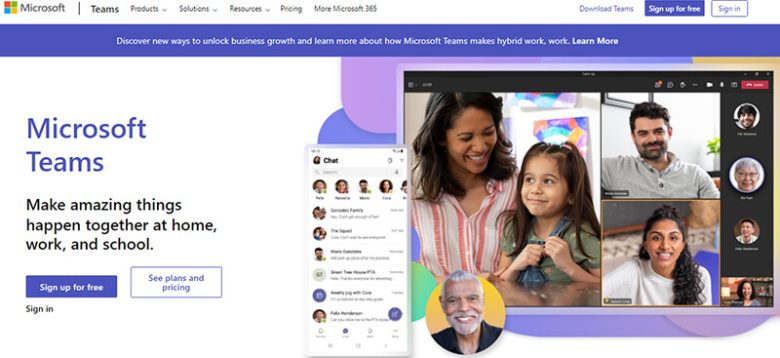
Microsoft Teams is another popular choice for business teams looking for simple collaboration software tools with powerful features like real-time chatting and team calendars. You can also integrate Microsoft’s other apps like Outlook and Office 365 so you can collaborate on projects with your team members from anywhere at any time through the cloud-based platform.
Microsoft’s Office 365 suite of applications includes Word, Excel, PowerPoint and OneNote, along with other tools like Outlook and Publisher. It’s the perfect solution for businesses large and small looking to get things done without the headache of learning a new software suite.
5. Slack

Slack is an easy-to-use messaging platform that allows users to communicate with each other quickly on a wide range of topics and subjects. The interface is cleanly designed, with no confusing features or clutter. The app even integrates with Google Calendar so you can get reminders when there is a team meeting coming up next week.
6. Evernote
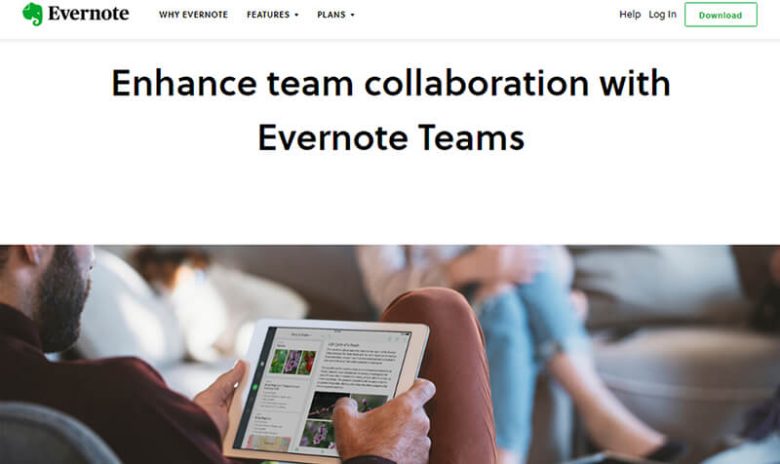
Evernote is one of the most popular collaboration tools for business users. It’s a note-taking app that allows you to take notes, save files and collaborate with others. You can also use Evernote as a note-taking app while you are on the go or at your desk.
The app is also great for taking notes at conferences or meetings by allowing users to record everything they say in real time. You can use it as cloud storage tool to save all the records. So if you need to remember something that was said during a meeting but forgot about it later you can simply download the recording later and listen back to it whenever you want.
7. Microsoft OneNote
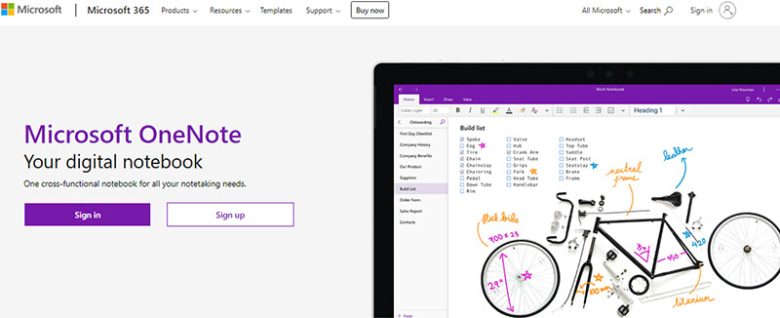
Microsoft OneNote is another popular project management software. It is a note-taking app that enables you to save all of your ideas, thoughts and notes in one place. There are two versions available: the free version, which allows you to create up to five notebooks; and the premium version, which gives you unlimited space for all of your notebooks, plus several other features such as password protection, encryption and export capabilities. It is one of the best tools for workflow analytics.
8. Asana
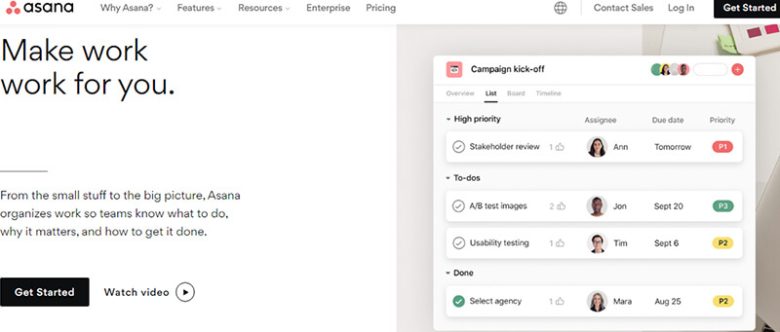
Asana is a web-based project management tool that allows users to collaborate on tasks together. It helps streamline communication between teams to ensure that everyone is on the same page. It also enables you to share files, documents, images and any other type of media. If you are looking for a cloud storage tool, you should consider Asana.
9. Jira

Jira is an enterprise-grade software application that helps organizations track issues across multiple projects and identify potential problems before they become issues at all. That means that it helps a great deal with matters workflow analytics. Jira offers an easy way for teams to collaborate on shared projects while tracking progress, identifying risks and improving processes along the way.
10. Basecamp
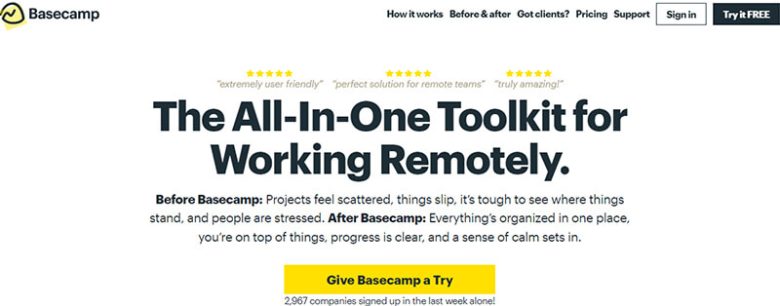
Basecamp is an online project management software that helps groups collaborate on a project by allowing them to share files, chat via email or Slack channels, comment on cards within a board, as well as creating new cards while collaborating with other users on the same project. The app even has integration with Google Drive so that you can access files from anywhere in the world at any time.
