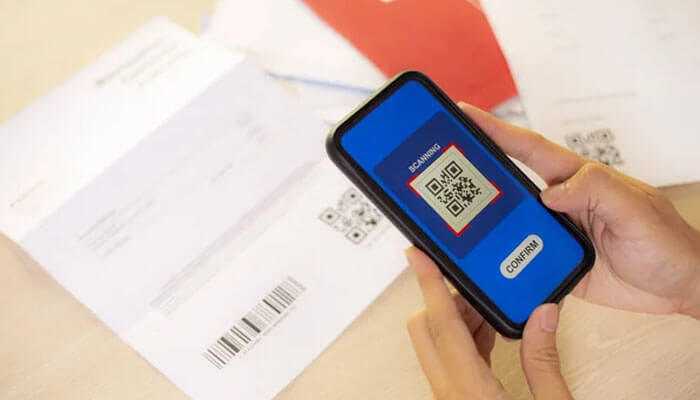
In the world of business, contacts must be made quickly and effectively. While traditional business cards In the world of business, contacts must be made quickly and effectively. While traditional business cards are still a common tool for networking, sharing your contact information via QR codes is more practical in the digital age. This post will walk you through the process of creating a QR code for your business card so you can communicate with partners, customers, and coworkers more quickly.
To make a QR code for your business card, first find a reputable QR code generator. This service is provided for free by a number of internet tools and applications. QR Code Generator, QR Stuff, and GoQR.me are all popular options. Choose one based on your preferences for functionality and user interface.
After you’ve decided on a QR code generator, you’ll need to enter the information from your business card. This typically includes your name, job title, company name, email address, phone number, and any further information you like to give. You may also be able to incorporate a link to your website or LinkedIn profile with some generators.
Many QR code generators include modification tools to make your QR code more visually appealing. You can customize the design by selecting colors, adding a logo or icon, and changing the font. Keep in mind that, while personalization is beneficial for branding, it is critical to ensure that the QR code remains scannable and functional.
It’s critical to validate the functionality of your QR code before distributing it. Scanning the code with a QR code scanner app on your smartphone will ensure that you are directed to the correct information. Testing assures that recipients will not have any problems accessing your business card information.
Once you’re finished and satisfied with the customization and testing, download the QR code to your computer or device. Save the file in a location where you will have easy access to it when needed. You can use the QR code file for a variety of applications, such as adding it to your email signature or placing it on your physical business cards.
Now that you have the QR code file, you can incorporate it into the design of your business cards. Consider placing the QR code on the back of your card or in a visible area that does not obscure important information. Make sure to provide a brief guide on how to use the QR code for recipients.
Generating a QR code for your business card is a modern and efficient means of disseminating your contact information. Following these simple steps, you can design a QR code that not only improves the visual attractiveness of your business card but also simplifies the process of exchanging information in networking situations. Use QR codes to leave a lasting impression in the digital age of professional networking.
In today’s competitive retail landscape, launching a store requires more than just products on shelves. Entrepreneurs must embrace innovation, customer…
In today’s fast-evolving digital landscape, social media marketing aelftech com has become a powerful strategy for businesses aiming to scale…
Credit scores play a bigger role in borrowing than many people realize. Whether you’re planning for a major expense or…
In the ever-competitive world of luxury spirits, brands must go beyond crafting exceptional liquids—they must also present them in a…
The idea of building a business no longer requires a physical office, a large team, or significant upfront investment. Over…
There is a version of your business that exists online right now — and it is probably not saying what…